



 Belinda Raman
Are there any Telegram bots for downloading YouTube videos as MP3s? I need a fast, reliable solution for high-quality audio. - Asked on Reddit
Looking for an easy way to convert YouTube videos to MP3 without leaving Telegram? YouTube to MP3 Telegram bots let you extract audio and download MP3 files directly within the app — no complicated software or technical setup required. Simply send a YouTube link to a bot, and it can quickly process the video and return an audio file ready for offline listening.
These bots are especially popular among music lovers who want a fast, beginner-friendly way to save songs, podcasts, interviews, or playlists from YouTube. With simple commands, inline buttons, and instant delivery, the entire process takes just a few taps.
In this guide, we'll explain how YouTube to MP3 Telegram bots work, introduce 12 of the best bots available, walk you through the setup process step by step, and share a more powerful alternative for downloading YouTube audio in higher quality with advanced features.
YouTube to MP3 Telegram Bots Guide
- Part 1. What Are YouTube to MP3 Telegram Bots?
- Part 2. Top 12 Telegram Bots to Download YouTube to MP3
- Part 3. How to Convert YouTube Videos to MP3 Using Telegram Bots
-
🔥 Part 4. Best YouTube to MP3 Telegram Bots Alternative for Faster & Safer Downloads
MOST RECOMMENDEDDiscover a more stable way to download YouTube MP3 files without Telegram bot limitations, ads, or downtime.
- Part 5. Frequently Asked Questions About YouTube to MP3 Telegram Bots
Part 1. What Are YouTube to MP3 Telegram Bots?
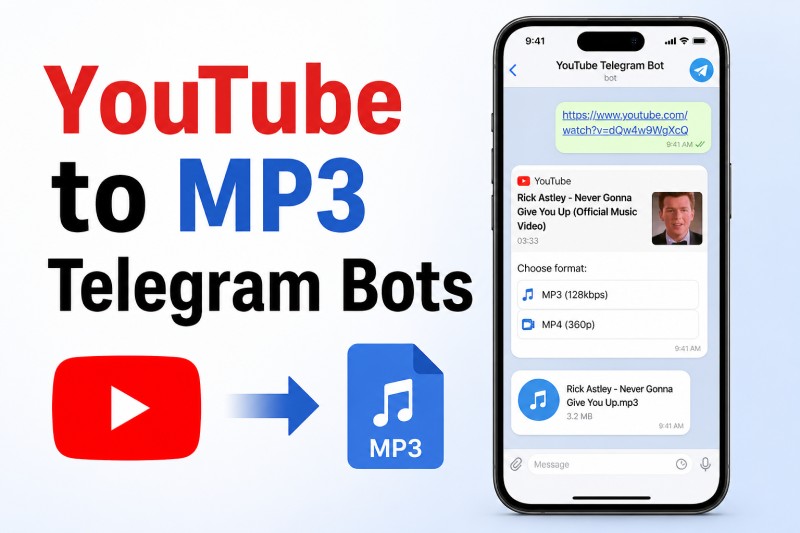
YouTube to MP3 Telegram bots are chat-based tools that convert YouTube videos into MP3 files. Unlike traditional online converters, these bots work entirely within Telegram. Just send a YouTube link, and the bot will return a downloadable MP3. It’s a seamless experience that works on both mobile and desktop Telegram apps.
Benefits of Using Telegram Bots
- Quick and Convenient: Convert videos without opening external websites.
- High-Quality Audio: Many bots support up to 320kbps MP3 files.
- Free to Use: Most bots are fully free with optional premium features.
- Secure: No need to download unknown software—everything happens in Telegram.
Part 2. Top 12 Telegram Bots to Download YouTube to MP3
Telegram YouTube downloader bots make it easy to save music, podcasts, interviews, and other audio content directly from YouTube links without installing desktop software. Some bots focus on fast MP3 extraction, while others support playlists, HD video downloads, or multiple social media platforms. Below are 12 popular YouTube to MP3 Telegram bots worth trying for offline listening in 2026.
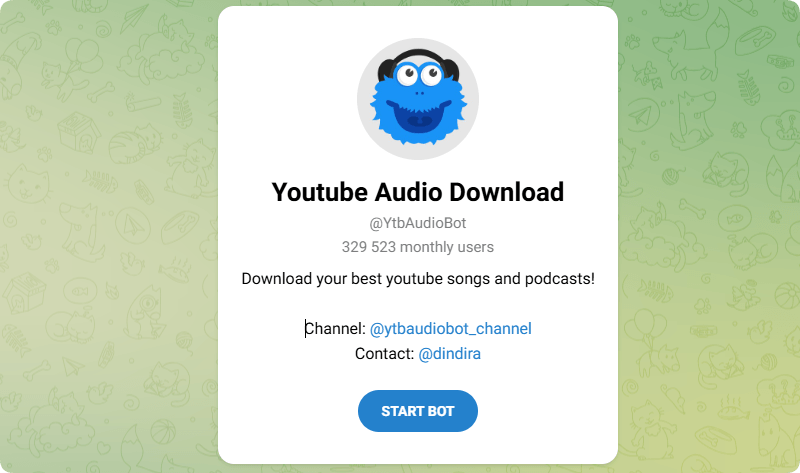
#1 @YtbAudioBot — YouTube Audio Downloader
Bot link: https://t.me/YtbAudioBot
@YtbAudioBot is one of the most recognized YouTube audio downloader bots on Telegram. Users simply paste a YouTube link, and the bot processes the content into downloadable MP3 audio. It is commonly used for music tracks, podcasts, lectures, and offline listening. The interface is beginner-friendly and supports quick audio delivery directly inside Telegram chats.
Pros:
- Fast MP3 delivery inside Telegram chats
- Handles long podcasts and music videos well
- Very beginner-friendly setup process
Cons:
- Busy hours can slow conversion speed
- Audio quality may vary by source video
- Some restricted YouTube links fail to process
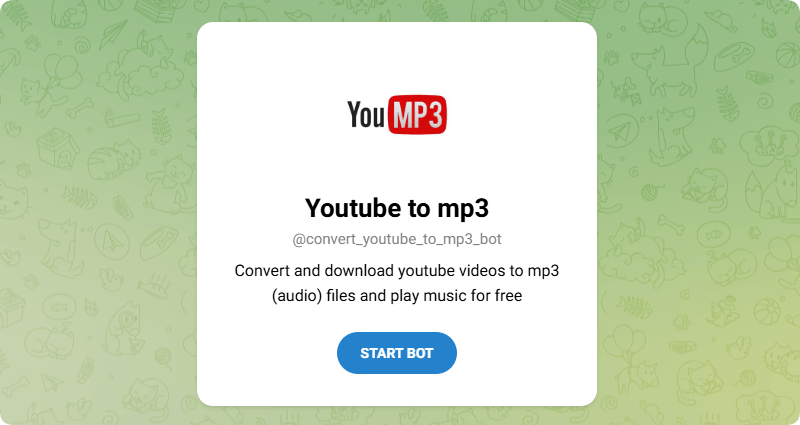
#2 @convert_youtube_to_mp3_bot — Youtube to MP3
Bot link: https://telegram.me/convert_youtube_to_mp3_bot
@convert_youtube_to_mp3_bot focuses specifically on converting YouTube videos into downloadable MP3 audio files directly inside Telegram. Users simply send a YouTube link to the bot, and it quickly processes the audio for offline playback. The bot is lightweight, beginner-friendly, and commonly used for downloading songs, podcasts, and music tracks without requiring extra software installations.
Pros:
- Simple copy-and-paste conversion workflow
- Works well for quick song downloads
- No account registration steps required
Cons:
- Limited bitrate and quality settings
- Playlist support feels inconsistent
- The interface looks slightly outdated
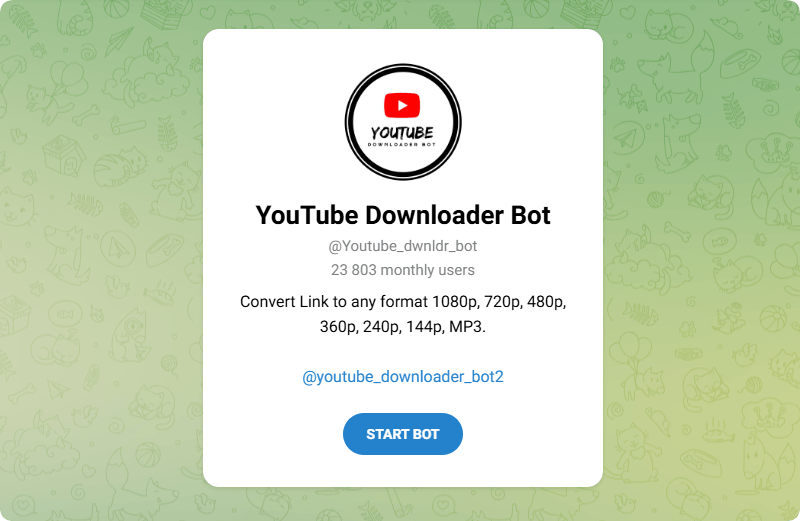
#3 @Youtube_dwnldr_bot — YouTube Downloader Bot
Bot link: https://t.me/Youtube_dwnldr_bot
@Youtube_dwnldr_bot is a general-purpose Telegram downloader bot that supports both YouTube video and MP3 audio conversions. Users can paste a YouTube URL and select different output formats including, 1080p video or MP3 audio downloads. The bot is designed for flexibility and works well for users who want multiple download quality options directly inside Telegram.
Pros:
- Supports both MP3 and MP4 downloads
- Multiple resolution choices available
- Good for casual video saving tasks
Cons:
- Occasional format conversion failures
- Less community feedback than major bots
- Long-term maintenance status unclear
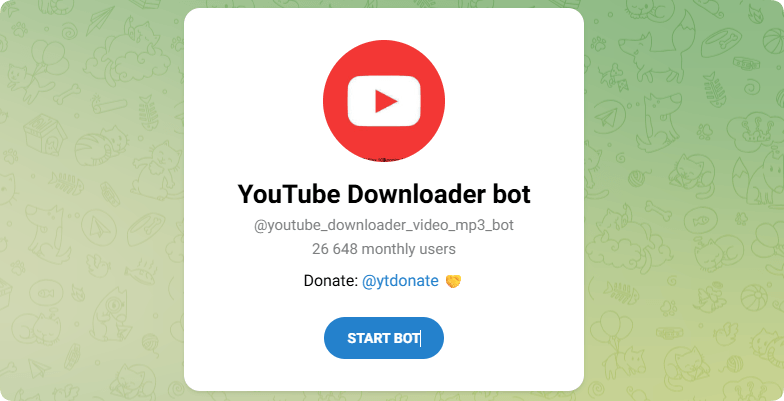
#4 @youtube_downloader_video_mp3_bot — YouTube Downloader Bot
Bot link: https://t.me/youtube_downloader_video_mp3_bot
@youtube_downloader_video_mp3_bot is a Telegram media downloader that claims to support both YouTube video downloads and MP3 audio extraction. Users can submit YouTube links directly inside Telegram chats and receive downloadable media files. The bot targets users looking for a lightweight and convenient alternative to desktop downloader applications.
Pros:
- Lightweight Telegram-only experience
- Easy for occasional music downloads
- Supports both video and audio exports
Cons:
- Smaller public user base
- Feature reliability can fluctuate
- Limited transparency about ownership
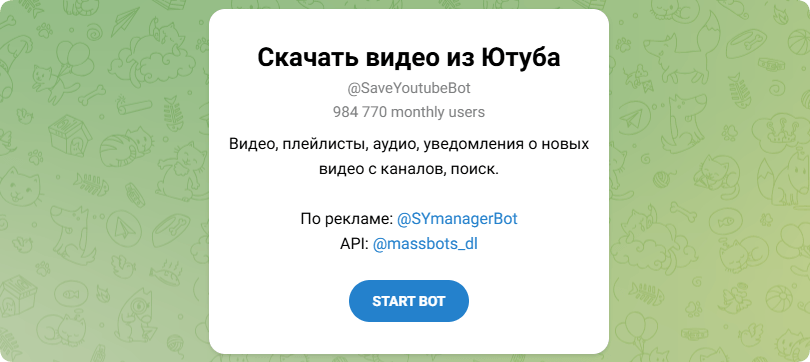
#5 @SaveYoutubeBot — YouTube Saver Bot
Bot link: https://t.me/SaveYoutubeBot
@SaveYoutubeBot is a Telegram-based downloader bot designed for quick YouTube media conversions and offline playback. Users simply share a YouTube link with the bot, and it processes downloadable audio or video files inside Telegram chats. The bot is commonly used by mobile users who want convenient media access without separate downloader software.
Pros:
- Clean and mobile-friendly interface
- Quick response for standard links
- Convenient for offline listening
Cons:
- Metadata tags are sometimes inaccurate
- Advanced settings are limited
- Some videos cannot be downloaded
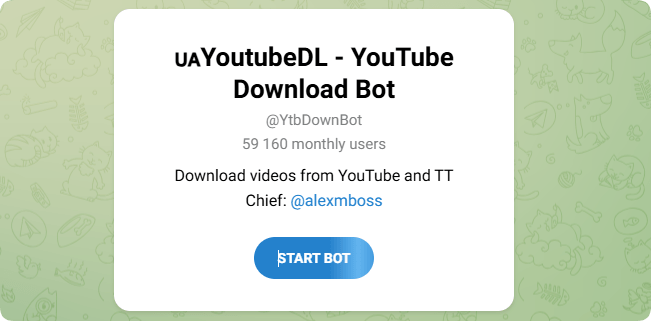
#6 @YtbDownBot — YouTube Downloader Bot
Bot link: https://t.me/YtbDownBot
@YtbDownBot is a lightweight Telegram downloader bot that supports YouTube audio and video extraction directly inside Telegram chats. Users can paste YouTube links and quickly receive downloadable MP3 or video files for offline playback. The bot is commonly used for casual media downloading because of its straightforward interface and beginner-friendly workflow.
Pros:
- Minimal setup before downloading
- Fast for smaller audio files
- Good for podcasts and lectures
Cons:
- Few advanced customization options
- Documentation is very limited
- Some links randomly stop working
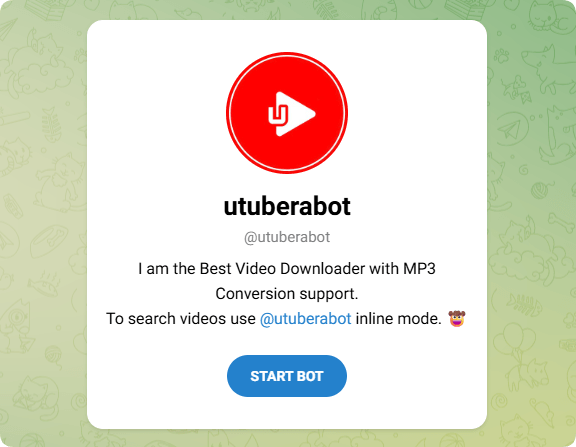
#7 @utuberabot — Video Downloader with MP3 Support
Bot link: https://t.me/utuberabot
@utuberabot is a Telegram downloader bot designed for both YouTube video downloads and MP3 audio conversion. The bot allows users to quickly switch between video and audio output formats depending on their preferences. It is commonly used for offline music listening, podcast downloads, and mobile-friendly media management directly inside Telegram.
Pros:
- Flexible audio and video download modes
- Works smoothly on mobile Telegram apps
- Quick conversion for normal YouTube links
Cons:
- Large files may process slowly
- Regional availability can vary
- Less trusted than bigger Telegram bots
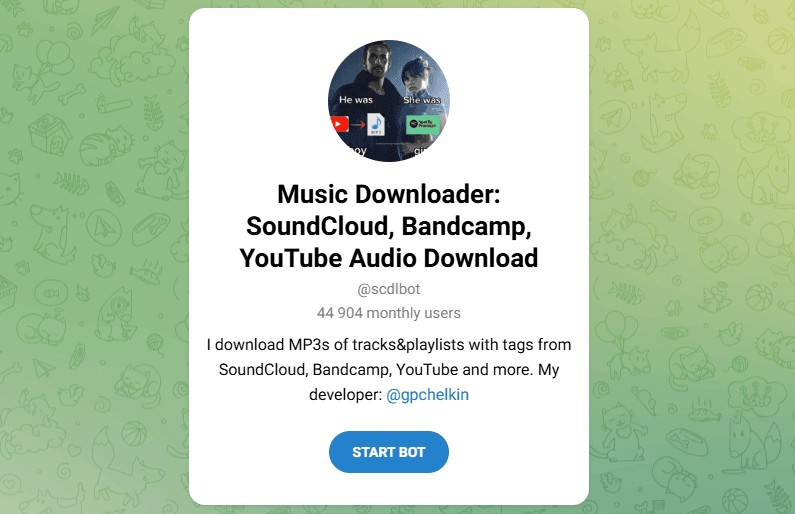
#8 @scdlbot — Music Downloader Bot
Bot link: https://t.me/scdlbot
@scdlbot is one of the best-known music downloader bots on Telegram, supporting platforms such as SoundCloud, Bandcamp, and YouTube audio downloads. The bot specializes in MP3 extraction and metadata tagging, making it especially popular among music collectors and playlist download users looking for organized offline music libraries.
Pros:
- Supports SoundCloud, Bandcamp, and YouTube
- Excellent metadata and track tagging
- Popular among music collectors
Cons:
- The command system may confuse beginners
- Large playlists take longer to finish
- Some services add temporary restrictions
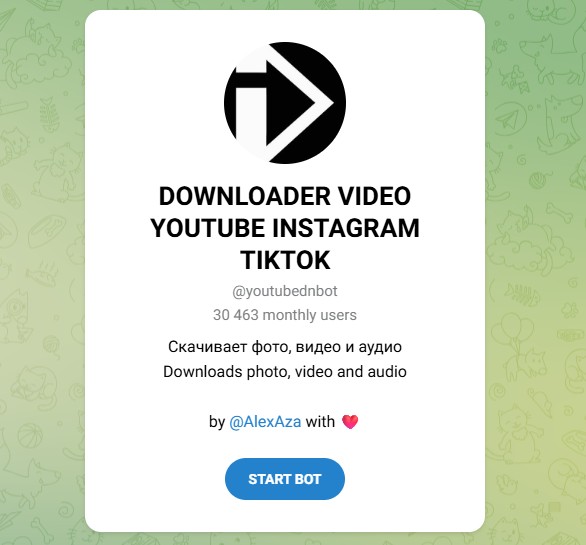
#9 @youtubednbot — YouTube Instagram TikTok Downloader
Bot link: https://t.me/youtubednbot
@youtubednbot is a Telegram media downloader that supports YouTube, Instagram, TikTok, and additional social media platforms. The bot can download photos, videos, and audio files directly inside Telegram chats. It is commonly used by users looking for a single all-in-one downloader solution instead of maintaining several different Telegram bots.
Pros:
- Supports multiple social media platforms
- Downloads audio, video, and images
- Useful all-in-one Telegram downloader
Cons:
- YouTube features feel less specialized
- Some integrations break after updates
- Quality selection options are basic
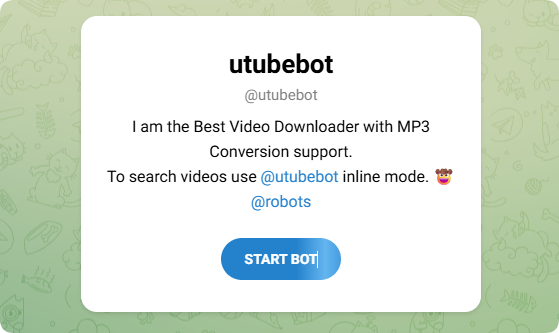
#10 @utubebot — YouTube Downloader Bot
Bot link: https://t.me/utubebot
@utubebot is one of the most popular Telegram downloader bots with support for both YouTube video downloads and MP3 audio conversion. Users can paste a YouTube link directly into Telegram and choose between video or audio output formats. The bot is widely used for offline music listening, podcast downloads, and mobile-friendly media management.
Pros:
- Widely used Telegram downloader bot
- Handles both video and MP3 conversion
- Easy for first-time Telegram users
Cons:
- Processing slows during peak traffic
- Limited high-quality audio options
- Some regional links fail unexpectedly
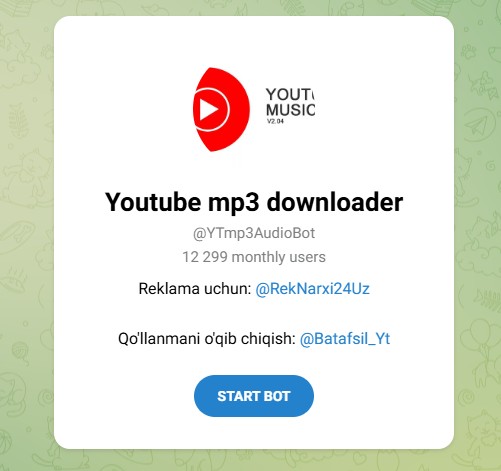
#11 @YTmp3AudioBot — YouTube MP3 Downloader
Bot link: https://t.me/YTmp3AudioBot
@YTmp3AudioBot is a YouTube-to-MP3 Telegram bot designed for fast audio extraction and offline music playback. Users can send YouTube links directly inside Telegram and receive downloadable MP3 files within seconds. The bot is commonly used for downloading songs, podcasts, lectures, and other audio-focused YouTube content without separate downloader applications.
Pros:
- Designed specifically for MP3 extraction
- Works well for lectures and podcasts
- No browser extensions needed
Cons:
- Metadata support is fairly basic
- Occasional conversion failures occur
- Stability may drop under heavy usage
#12 @youtubeToMp3Bot — YouTube Music Downloader
Bot link: https://t.me/youtubeToMp3Bot
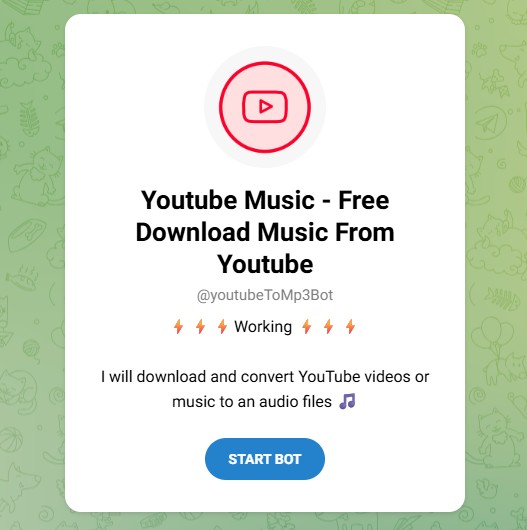
@youtubeToMp3Bot is a Telegram downloader bot that allows users to download and convert YouTube videos into MP3 audio files directly inside Telegram chats. The bot is mainly designed for music lovers who want quick offline playback without using desktop software. It supports simple link-based downloading and lightweight Telegram integration.
Pros:
- Straightforward YouTube-to-MP3 workflow
- Good for casual music saving
- Runs entirely inside Telegram
Cons:
- Smaller reputation than mainstream bots
- Long videos can take extra processing time
- Few advanced audio controls are available
Part 3. How to Use YouTube Telegram Bots to Convert YouTube to MP3
Now that we've explored the best YouTube Telegram bots for MP3 downloading, let's look at how to use a YouTube Telegram bot to convert YouTube videos into MP3 audio files. The process is simple and only requires the Telegram app and a YouTube video link. Below is a step-by-step guide using @utubebot as an example:
Step-by-Step Guide to Using YouTube Telegram Bots
Step 1. Download and install the Telegram app on your smartphone, tablet, or computer. Telegram is available for iOS, Android, Windows, macOS, and web browsers. After installation, sign up or log in using your phone number.
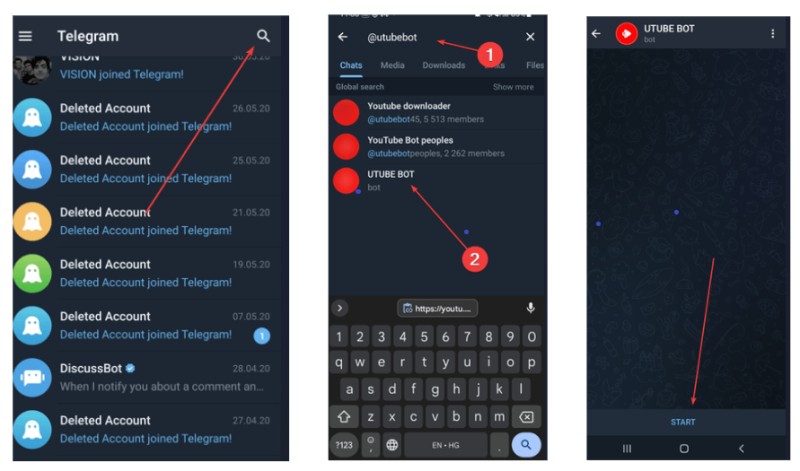
Step 2. Open Telegram and tap the search icon at the top of the app. Search for a YouTube MP3 downloader bot by typing the bot name, such as "@utubebot," or search using keywords like "YouTube to MP3 bot" or "YouTube downloader bot".
Step 3. Select the bot from the search results and click the Start button, or type /start in the chat window. The bot will activate and display basic instructions for downloading YouTube audio or video files.
Step 4. Open YouTube in your browser or mobile app and find the video, music track, podcast, or lecture you want to convert into MP3 format. Tap the Share button below the video and choose Copy Link to copy the YouTube URL.
Step 5. Return to Telegram and paste the copied YouTube link into the chat with the bot. Press Send to submit the URL. Some Telegram bots also allow users to search for YouTube videos directly by entering song titles, artist names, or keywords.
Step 6. The Telegram bot will process the YouTube link and usually provide download format options such as MP3 audio or MP4 video. Some bots also allow users to choose audio quality settings like 128kbps or 320kbps MP3. Select your preferred format and quality to begin conversion.
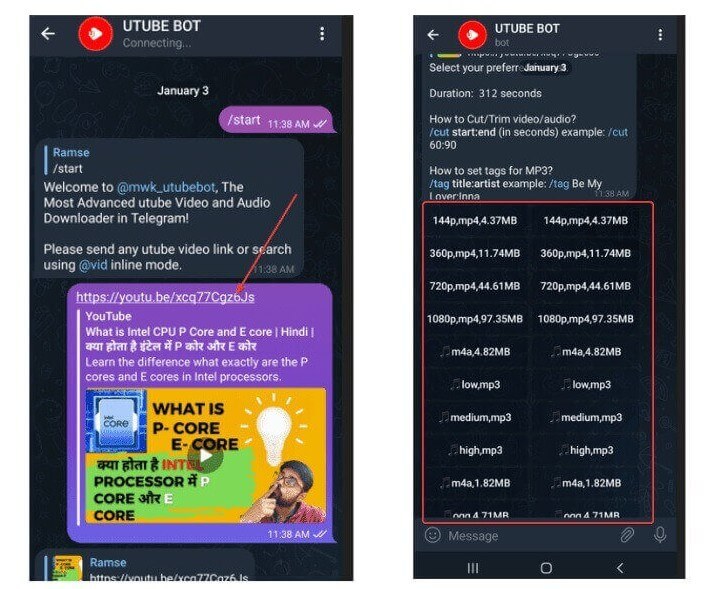
Step 7. After the conversion is completed, the bot will send the MP3 file directly to the Telegram chat. On mobile devices, tap the three-dot menu next to the audio file and choose Save to Music, Save to Files, or Download. On computers, downloaded MP3 files are usually stored in the Telegram Downloads folder for offline playback anytime.
Part 4. Best YouTube to MP3 Telegram Bots Alternative for Faster & Safer Downloads
YouTube to MP3 Telegram Bots are convenient for quickly converting YouTube videos into MP3 files, but they also come with several limitations. Many Telegram bots become unstable, stop working without warning, process downloads slowly, display redirects or ads, and may fail to convert certain YouTube links. Some bots also limit audio quality or disappear completely after Telegram or YouTube policy updates. If you want a safer, faster, and more stable solution, Macsome Music One is one of the best alternatives to YouTube to MP3 Telegram Bots.
Unlike online Telegram bots, Macsome Music One is a professional desktop application that allows users to download and convert YouTube videos and YouTube Music tracks directly to MP3, AAC, WAV, FLAC, AIFF, and ALAC formats. It supports high-quality audio output up to 320kbps while preserving original ID3 tags such as title, artist, album, genre, and artwork. With faster conversion speed, stable performance, and no Telegram restrictions, Macsome Music One provides a more reliable YouTube-to-MP3 downloading experience for both Windows and Mac users.
Key Features of Macsome Music One
- Best desktop alternative to YouTube to MP3 Telegram Bots.
- Download YouTube videos and YouTube Music tracks as MP3 files.
- Convert YouTube audio to MP3, AAC, WAV, FLAC, AIFF, or ALAC.
- Keep original ID3 tags including, title, artist, album, and artwork.
- Support up to 320kbps high-quality MP3 audio output.
- Faster and more stable than most Telegram downloader bots.
- No pop-ups, redirects, spam ads, or Telegram limitations.
- Download playlists, podcasts, radio stations, and local audio files.
- Convert music from Spotify, Apple Music, Amazon Music, and more.
- Works on both Windows and macOS computers smoothly.
How to Convert YouTube to MP3 Without Telegram Bots Using Macsome Music One
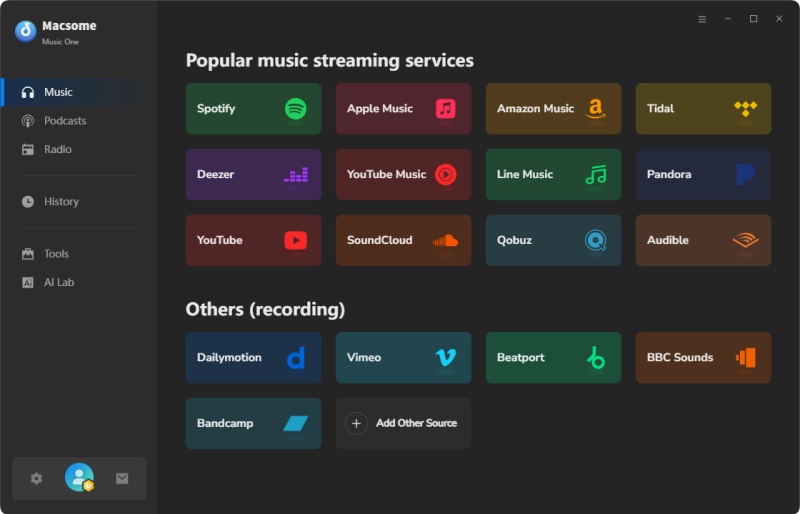
Step 1. Download, install, and launch Macsome Music One on your Windows PC or Mac. On the home screen, you'll see multiple streaming services. Click the "YouTube" module to open the built-in YouTube web player. You can download YouTube videos to MP3 without needing Telegram bots or browser extensions.
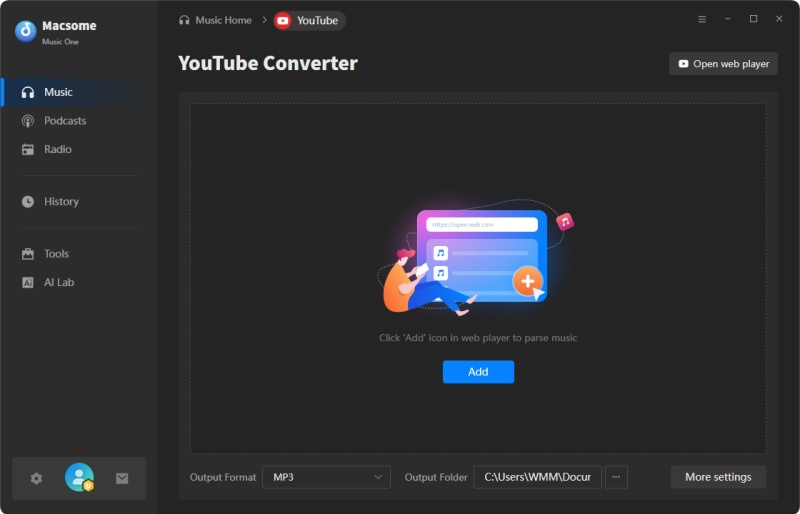
Step 2. At the bottom of the interface, choose MP3 as the output format. You can also customize the output folder, audio quality, output file name, bitrate, and additional parameters by clicking the "More Settings" option.
Step 3. Open YouTube or YouTube Music inside Macsome Music One and browse the video, song, playlist, or podcast you want to convert. Click the "Click to add" button to load the content into Macsome, then click "Add" to import it to the main conversion list. You can also batch-add multiple YouTube videos simultaneously.
Step 4. Click the "Convert" button to start converting YouTube videos to MP3 format. After the conversion is completed, open the "History" section and click the "Folder" icon to locate all downloaded MP3 files on your computer for offline playback anytime.
Pros:
- Completely ad-free with no spam redirects or pop-ups.
- More stable than most YouTube to MP3 Telegram Bots.
- Support high-quality MP3 downloads up to 320kbps audio.
- Download YouTube videos, playlists, podcasts, and radio stations.
- Convert YouTube audio to MP3, FLAC, WAV, AAC, AIFF, or ALAC.
- Keep original ID3 tags including title, artist, and artwork.
- Batch download multiple YouTube videos simultaneously with ease.
- No Telegram account or bot interaction required anymore.
- Support downloading music from multiple streaming platforms directly.
- Works smoothly on both Windows and macOS computers.
- Preserve original audio quality after YouTube MP3 conversion.
- Convert local audio files into multiple audio output formats.
Cons:
- Requires downloading and installing desktop software on a computer.
- Not as instant as Telegram-based mobile bot workflows.
Part 5. Frequently Asked Questions About YouTube to MP3 Telegram Bots
- How do YouTube to MP3 Telegram Bots work?
- YouTube to MP3 Telegram bots work by processing YouTube video links and converting the audio into MP3 format. Once you have sent a YouTube URL to the bot via Telegram, it will analyse the video, convert the audio, and return a downloadable MP3 file directly to your chat window so you can listen to it offline.
- Are YouTube to MP3 Telegram Bots still working in 2026?
- Yes, many YouTube Telegram bots are still active in 2026, but their availability changes frequently. Some bots stop working temporarily because of YouTube updates, Telegram restrictions, server overload, or copyright enforcement. Popular bots such as @YtbAudioBot, @utubebot, and @scdlbot are generally more stable than lesser-known alternatives.
- Which is the best YouTube to MP3 Telegram Bot?
- The best YouTube to MP3 Telegram Bot depends on your needs. Popular bots for quick MP3 conversion include @YtbAudioBot and @utubebot, while @scdlbot is preferred by music lovers because of its better metadata support and multi-platform compatibility. Users looking for playlist downloads or higher-quality audio may prefer a desktop alternative.
- Can Telegram Bots download YouTube videos as MP3 files?
- Yes. Most YouTube Telegram bots can convert YouTube videos into MP3 audio files. Users simply paste a YouTube video link into the bot chat and select MP3 as the output format if there are multiple download options available.
- Do YouTube Telegram Bots support 320kbps MP3 downloads?
- Although some Telegram bots claim to support 320 kbps MP3 output, the actual audio quality depends on the original YouTube source and the bot's conversion engine. Since many bots compress audio during processing, the final quality may vary between downloads.
- Can I use YouTube Telegram Bots on iPhone and Android?
- Yes, YouTube Telegram bots work on almost all devices that support Telegram, including iPhones, Android phones, iPads, Windows PCs, Mac computers, and the Telegram web app. Since everything happens inside Telegram chats, users do not need to download additional apps.
- Why is my YouTube Telegram Bot not responding?
- If a Telegram bot stops responding, the issue may be caused by server downtime, changes to the YouTube API, regional restrictions, overloaded traffic, or the bot being temporarily removed. Often, users simply need to try a different working YouTube downloader bot.
- Are YouTube to MP3 Telegram Bots legal?
- Whether or not YouTube to MP3 Telegram bots are legal depends on your local copyright laws and how the downloaded content is used. Downloading copyrighted music without permission may violate YouTube’s terms of service and local regulations in some countries.
- Do I need to install software to use YouTube Telegram Bots?
- No, most YouTube Telegram bots operate entirely within the Telegram app. Users only need a Telegram account and a YouTube link to start converting videos into MP3 files. There is no need to install additional downloader software or browser extensions.
- What is the safest alternative to YouTube to MP3 Telegram Bots?
- For a more reliable and safer downloading experience, consider desktop software like Macsome Music One, a popular alternative to Telegram bots. Unlike Telegram bots, desktop downloaders provide more stable performance, higher-quality audio output, support for downloading multiple files at once, and fewer risks related to spam, downtime, or disappearing services.
Summary Up
YouTube to MP3 Telegram bots are one of the easiest ways to convert YouTube videos into downloadable MP3 files right in the Telegram app. They are convenient for quickly downloading music, saving podcasts, and listening to them offline on mobile devices without installing complicated software. Popular bots like @YtbAudioBot, @utubebot, and @scdlbot attract users with their simple workflow and fast conversion speed.
However, Telegram bots also come with limitations such as unstable availability, download restrictions, inconsistent audio quality, spam redirects, and sudden shutdowns. If you need a more stable, high-quality, and long-term YouTube-to-MP3 solution, using professional desktop software is usually the better choice.
Compared with Telegram bots, Macsome Music One offers faster conversion speed, 320kbps MP3 output, batch downloads, original ID3 tag preservation, and support for multiple streaming platforms, including YouTube, YouTube Music, Spotify, Apple Music, and more.
👉 Convert YouTube videos to MP3 safely, quickly, and without Telegram bot limitations.